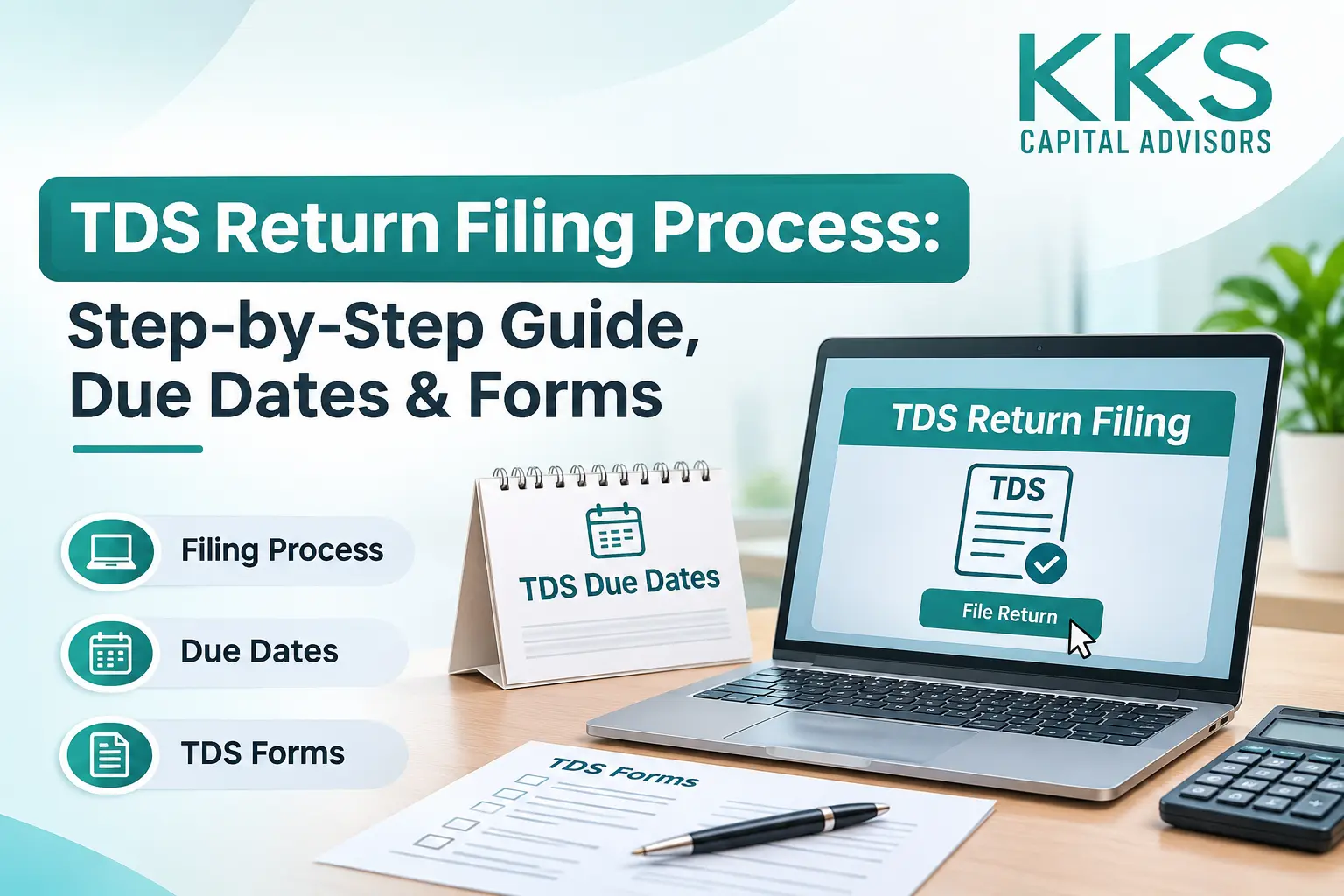
What Is a TDS Return? (Quick Answer)
A TDS return is a quarterly statement that a deductor files with the Income Tax Department. It shows how much tax was deducted at source, from whom, and how much was deposited with the government.
Table of Contents
ToggleThe TDS return filing process in brief: deduct TDS when you make a payment, deposit it by the 7th of the next month using a challan, prepare the quarterly statement in the correct form, validate it, and upload it on the income tax e-filing portal before the due date. After processing, you download and issue TDS certificates to the people you deducted tax from.
From 1 April 2026, the Income-tax Act, 2025, has replaced the Income-tax Act, 1961. The filing process works much the same way, but the TDS return forms now have new numbers. Form 24Q is now Form 138, and Form 26Q is now Form 140. The year is also now called the “tax year” instead of the financial year and assessment year. This guide covers the new rules for tax year 2026-27.
Who Needs to File a TDS Return?
Any person or business that has a TAN (Tax Deduction and Collection Account Number) and deducts tax at source must file a TDS return for every quarter in which tax was deducted. This usually includes:
- Companies and LLPs paying salaries, rent, professional fees or contractor payments
- Partnership firms and proprietors whose accounts are audited and who make payments covered by TDS
- Employers deducting TDS from employee salaries
- Government offices making payments subject to TDS
- Anyone paying a non-resident where tax must be deducted
TDS payment and TDS return are two separate steps. Depositing the tax with the government is the payment. Filing the quarterly statement that reports those deductions is the return. Both are required, and missing either one leads to interest or late fees.
TDS Return Forms: Old vs New
The right TDS return form depends on the type of payment and who receives it. For deductions made from 1 April 2026 (Tax Year 2026-27 onwards), use the new forms under the Income-tax Act, 2025. For deductions made up to 31 March 2026, including corrections for FY 2025-26, use the old forms.
Purpose | Old Form (up to FY 2025-26) | New Form (from Tax Year 2026-27) |
|---|---|---|
Quarterly TDS statement on salary | 24Q | Form 138 |
Quarterly TDS statement on non-salary payments to residents | 26Q | Form 140 |
Quarterly TCS statement | 27EQ | Form 143 |
Quarterly TDS statement on payments to non-residents | 27Q | Form 144 |
Challan-cum-statement for property purchase, rent and similar payments | 26QB / 26QC / 26QD / 26QE | Form 141 |
TDS certificate for salary | Form 16 | Form 130 |
TDS certificate for non-salary payments | Form 16A | Form 131 |
Tip: When you deposit TDS for Tax Year 2026-27, choose the correct tax year and payment code on the challan. A wrong code often leads to a mismatch, and then a correction statement is needed.
TDS Return Due Dates for Tax Year 2026-27
TDS returns are filed every quarter. For Tax Year 2026-27, the quarterly statements (Forms 138, 140 and 144) are due on the dates below. The TCS statement (Form 143) now follows the same calendar.
Quarter | Period | TDS Return Due Date |
|---|---|---|
Q1 | 1 April – 30 June 2026 | 31 July 2026 |
Q2 | 1 July – 30 September 2026 | 31 October 2026 |
Q3 | 1 October – 31 December 2026 | 31 January 2027 |
Q4 | 1 January – 31 March 2027 | 31 May 2027 |
Other key dates:
- TDS deposit: by the 7th of the following month. For tax deducted in March, the deadline is 30 April.
- Form 131 (non-salary TDS certificate): within 15 days from the due date of the quarterly return.
- Form 130 (salary TDS certificate): by 15 June after the end of the tax year.
Due dates can be extended by government notification, so always check the income tax portal before the deadline.
Step-by-Step TDS Return Filing Process
Here is how TDS filing online works, from deduction to certificate.
Before you start, keep these ready:
- TAN and login details for the income tax e-filing portal
- PAN of every deductee (the person you deducted tax from)
- Challan details for every TDS deposit made in the quarter
- Payment details: date, amount paid, TDS deducted and payment code
- For salary returns: employee salary and deduction details
- Deduct TDS at the correct rate. Deduct tax when you pay or credit the amount, whichever is earlier, at the rate that applies to that payment. Check that each deductee’s PAN is valid, because a missing or invalid PAN means a higher deduction rate.
- Deposit TDS with the government. Pay through the e-Pay Tax service on the e-filing portal by the 7th of the next month. Select the correct tax year and payment code, then save the challan receipt with its challan identification number (CIN).
- Prepare the quarterly statement. Use the Return Preparation Utility (RPU) from Protean (formerly NSDL) or your TDS software. Choose the correct form (138, 140, 143 or 144), then enter the deductor, deductee and challan details.
- Validate the file. Run the file through the File Validation Utility (FVU). It checks for errors such as wrong PANs or mismatched challans. Fix every error until the FVU creates a valid .fvu file.
- Upload the return online. Log in to the income tax e-filing portal with your TAN, go to the TDS/TCS statement upload option, select the form, quarter and tax year, and upload the .fvu file.
- Verify the return. E-verify the return using a Digital Signature Certificate (DSC) or an EVC, as the portal allows. Save the acknowledgement (token number) for your records.
- Check processing and issue certificates. Track the statement status on TRACES. Once processed, download Form 130 or Form 131 and share them with the deductees.
Common errors to avoid: wrong or missing PANs, challan details that don’t match the deposit, the wrong payment code or tax year, and filing the old form for a new-Act period. Each of these leads to a defect notice, and then a correction statement is needed.
Late Filing Fee, Interest and Corrections
Missing the TDS return due date costs money, and the cost keeps growing until you file.
Default | Consequence |
|---|---|
Late filing of TDS return | Fee of ₹200 per day until the return is filed, capped at the TDS amount for that statement (section 427, Income-tax Act, 2025; earlier section 234E) |
TDS not deducted on time | Interest at 1% per month or part of a month |
TDS deducted but not deposited on time | Interest at 1.5% per month or part of a month |
Not filing the return, or filing incorrect details | Penalty may apply, in addition to the late fee |
The late fee and any interest must be paid before the return can be filed.
Made a mistake? You can file a correction statement on TRACES to fix wrong PANs, challan details or amounts. Fixing errors early also keeps your deductees’ Form 26AS and AIS accurate, so they can claim their TDS credit when they file their income tax returns.
How KKS Capital Helps with TDS Return Filing
The move to the Income-tax Act, 2025 has changed form numbers, payment codes and certificate formats. One wrong code can lead to a defect notice. KKS Capital, a chartered accountant firm in Gurgaon, handles TDS compliance from start to finish:
- Checking TDS rates and PANs before each payment
- Monthly TDS deposits with the correct tax year and payment code
- Preparing, validating and filing quarterly returns in Forms 138, 140, 143 and 144
- Downloading and issuing Form 130 and Form 131 certificates
- Handling correction statements and responding to TDS defect notices
With a CA team managing your TDS calendar, you avoid late fees and your vendors and employees get their tax credit on time.
FAQ'S
1. What is the TDS return filing process?
Deduct TDS, deposit it by the 7th of the next month, prepare the quarterly statement in the correct form, validate it with the FVU, upload it on the income tax e-filing portal, verify it, and then issue TDS certificates from TRACES.
2. What is the TDS return due date for Q3 of Tax Year 2026-27?
The Q3 return (October to December 2026) is due on 31 January 2027.
3. Which TDS return form should I use for salary from April 2026?
Use Form 138, which replaces Form 24Q for salary paid from 1 April 2026.
4. Which form replaces Form 26Q?
Form 140 replaces Form 26Q for TDS on non-salary payments to residents, such as rent, professional fees and contractor payments.
5. Can I file a TDS return online myself?
Yes. You can do TDS filing online through the income tax e-filing portal using your TAN login, after preparing and validating the file with the RPU and FVU. Many businesses use a CA because errors in PANs, challans or payment codes are common.
6. What is the late fee for filing a TDS return after the due date?
A fee of ₹200 per day applies until the return is filed, capped at the total TDS in that statement. A penalty can also apply for not filing or for filing incorrect details.
7. Do I need to file a TDS return if no TDS was deducted in a quarter?
If no tax was deducted in a quarter, a regular statement is generally not required. Many deductors still file a declaration of non-filing on the portal so the department’s records stay clear.
8. How do I correct a TDS return?
File a correction statement through TRACES, using the consolidated file for that quarter. Correct the PAN, challan or amount details, validate the file, and upload it again.
File Your TDS Returns On Time with KKS Capital
Not sure which new form applies, or worried about the next TDS return due date? Talk to the KKS Capital team in Gurgaon. We will review your TDS records, set up your quarterly calendar and file every return correctly. Contact KKS Capital today.